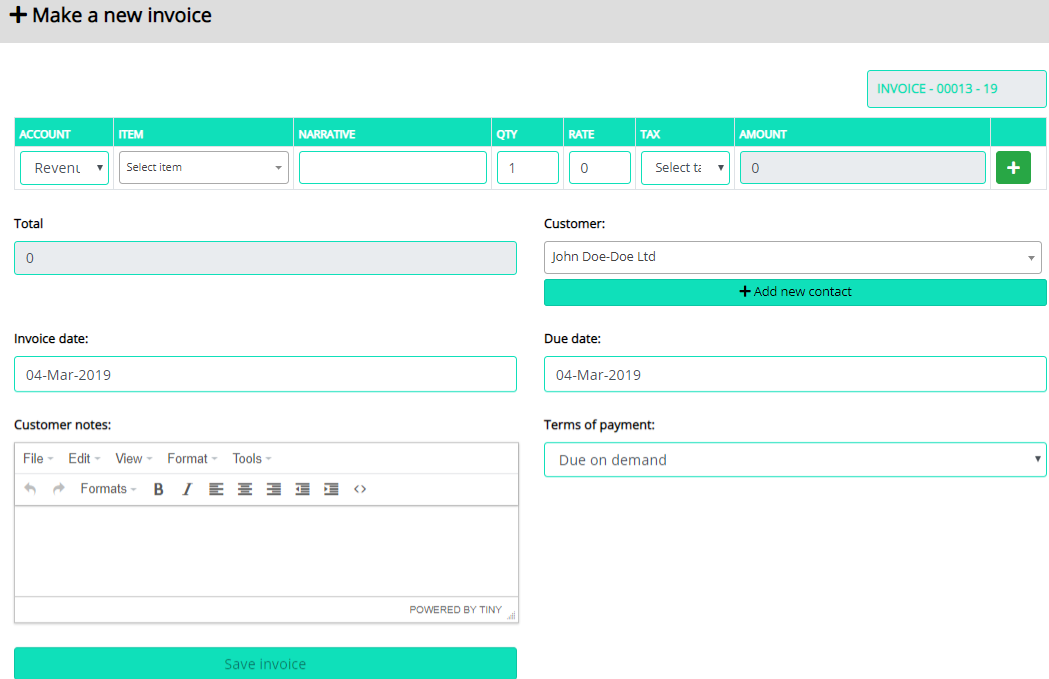
An invoice is a financial document which indicates the supply of goods or services between a vendor and a customer.
In Inhouse Cloud Accounting, you can start invoicing your customers once you have added them as your Contacts. You can also create customers directly while creating invoices.
How does an invoice work?
The workflow of an invoice in Inhouse Cloud Accounting is as follows:
- Create an invoice.
- Save invoice. From the invoice, you can edit, generate a pdf, print or email to the customer directly.
- In case the invoice crosses its due date, its status changes to Overdue.
- When you receive the payment from your customer, you can Enter Payment for the invoice.
- After recording payment, the invoice status changes to Paid, and this will reflect in various sales reports.
- You can view all the payments recorded for your customers in the Payments module.