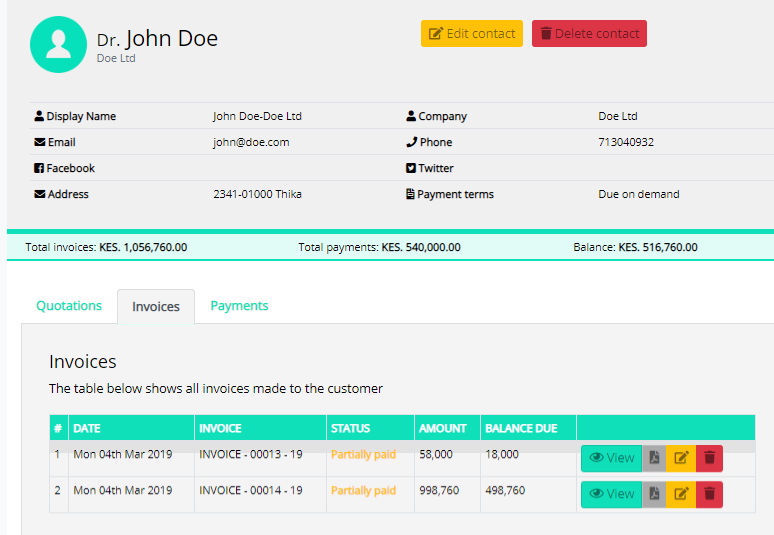
In Inhouse Cloud Accounting, customers refer to those entities whom you provide with goods or services.

For creating any sales transaction like invoices or sales receipts you will have to add customers in your organization.

The customers  module will help you to track all the sales transactions of your customers.

Creating a Customer

To add customer Inhouse Cloud Accounting, you create it from the Customer module

To create a contact:

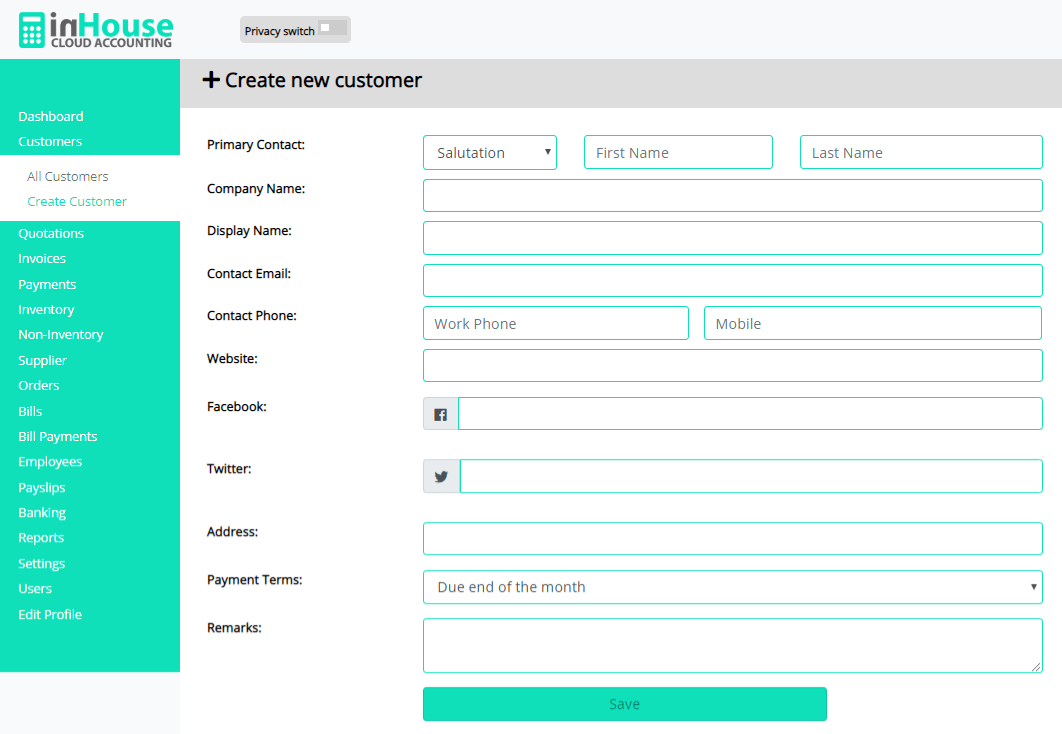
  • Go to Customers and select the + New Customer button on top of the page.
  • Select the Company name of the customer.
  • You can add other details such as phone number, email address website and payment terms by filling the customer registration form.
  • After entering all the details, click Save.

In Inhouse Cloud Accounting, Suppliers refer to those entities who provide you with goods or services.

For creating any transaction like orders or bills and bill payments, you will have to add suppliers in your organization.

The suppliers  module will help you to track all the expenses you incur in your business

Creating a supplier

To add customer Inhouse Cloud Accounting, you create it from the Supplier module

To create a supplier:

  • Go to Suppliers and select the + New Supplier button on top of the page.
  • Fill in the supplier name and his company name
  • You can add other details such as phone number, email address website and payment terms by filling the supplier registration form.
  • After entering all the details, click Save Supplier.

Bacon ipsum dolor amet brisket burgdoggen filet mignon cow turducken chicken ribeye swine pork sausage bresaola. Jerky tenderloin corned beef meatball filet mignon doner pork belly. T-bone doner cupim fatback rump. Turducken tri-tip capicola, burgdoggen brisket frankfurter pig. Capicola salami shankle pork belly alcatra pork loin leberkas burgdoggen turducken shank. Porchetta meatloaf andouille, corned beef pork boudin rump filet mignon pork belly picanha meatball